Does Instagram Notify When You Screenshot a Story?
If you use Instagram often, you may wonder, does Instagram notify when you screenshot a story? This is a common question because Instagram has changed its screenshot rules over time. People also confuse story screenshots with disappearing messages and photos sent through direct messages. These features do not always work the same way.
The good news is that taking a screenshot of a normal Instagram Story does not currently send the Story owner a screenshot alert. The person may still see that you viewed their Story, but they are not shown that you captured it. However, Instagram can show screenshot alerts for some disappearing content in Direct Messages. This difference is important to understand before you save or capture content. In this guide, we will explain the current behavior in simple terms. We will also cover screen recording, disappearing photos, notifications, and common questions.
Does Instagram Notify When You Screenshot a Story?
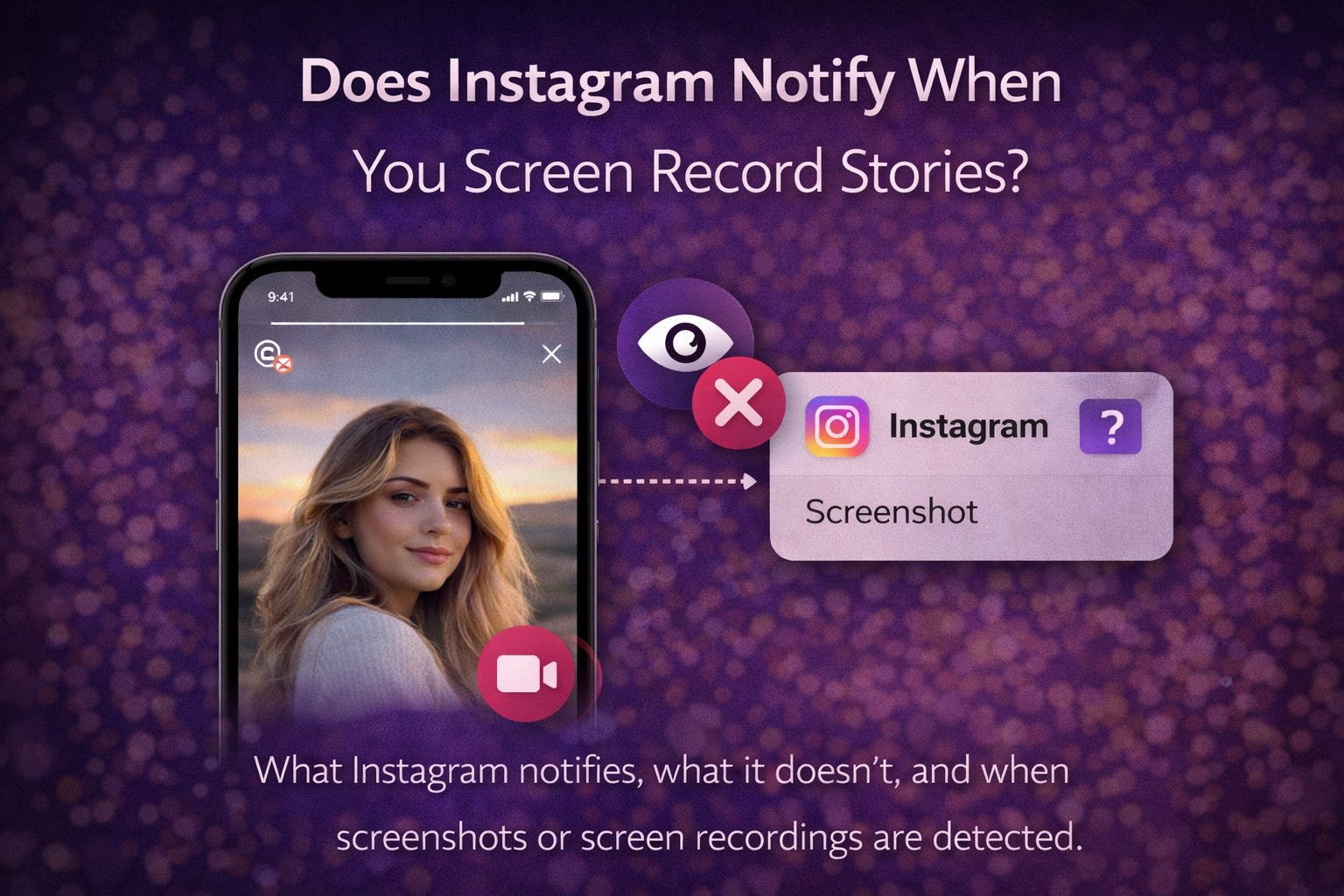
So, does Instagram notify when you screenshot a story? For normal Instagram Stories, Instagram does not currently notify the person when you take a screenshot. You can capture a Story using your phone’s normal screenshot feature. The Story creator can see that you viewed the Story, but there is no special screenshot notification.
This applies to regular photos, videos, text Stories, and other standard Story posts. Still, Instagram features can change with new app updates. The company has tested different screenshot notification features in the past. That history is why many users remain unsure about the current rule. If you see older articles claiming every Story screenshot creates an alert, they may describe an earlier test or outdated feature. Always consider the type of Instagram content you are capturing.
How Instagram Story Views Work
Instagram separates Story views from screenshot activity. When you open someone’s Story, your account can appear in their viewer list. This tells the creator that you watched their content. However, the viewer list does not normally tell them whether you took a screenshot.
For example, imagine you watch a friend’s vacation Story. You then take a screenshot of the photo. Your friend can still see your account among the Story viewers. They cannot normally see a screenshot icon beside your name. This is one reason people sometimes think Instagram sent an alert when it did not. They notice that their name appears in the viewer list and assume the screenshot caused it. In reality, simply watching the Story creates the viewer record.
Can Someone See If You Screenshot Their Instagram Story?
If you are asking, does Instagram notify when you screenshot a story, the answer is no for standard Stories. The creator does not receive a direct notification saying that you captured their Story.
There is an important distinction between seeing and saving content. Instagram can track Story views as part of its normal Story features. A screenshot is different because it happens through your device. Instagram does not currently display that screenshot action to the creator for regular Stories. However, this does not mean every type of Instagram content follows the same rule. Direct messages have additional privacy features. Disappearing media can behave differently from normal Stories. Therefore, you should always check which type of content you are capturing before assuming there will be no alert.
Does Instagram Notify When You Screenshot a Story in 2026?
The answer remains no for regular Instagram Stories based on the current behavior. Does Instagram notify when you screenshot a story? A standard Story screenshot does not normally trigger a notification to the creator.
Instagram has experimented with screenshot alerts before. These experiments created confusion across social media. Some users also remember earlier reports about Instagram testing screenshot notifications for Stories. Those tests do not mean the feature is currently active for everyone.
Apps can also receive updates at different times. Features may be tested with selected accounts or regions. Because of this, Instagram’s behavior can sometimes look different between users. The safest approach is to understand the content type rather than rely on old social media posts. Regular Stories and disappearing DM media should not be treated as identical features.
What Happens When You Screenshot an Instagram Story?
When you screenshot a normal Story, your phone captures whatever appears on the screen. Instagram does not normally send a screenshot alert to the Story creator. The screenshot is then saved to your phone’s photo gallery or screenshots folder.
The creator can still know that you viewed their Story. Your account may appear in the Story’s viewer list while the Story is active. However, there is no standard message telling them that you saved a screenshot. This makes screenshots different from actions such as sending a reply or reacting to a Story. Those actions can be visible to the creator. A screenshot usually happens privately on your device. Remember that saving someone’s content does not automatically give you permission to repost it. Personal privacy and copyright can still matter, especially when sharing someone else’s original work.
Does Instagram Notify When You Screenshot a Story and Screen Record It?
Many users also ask whether screen recording works differently. For normal Stories, Instagram does not generally send a screenshot-style alert when you screen record the Story. Your device records the content as it appears on the display.
The key point is that Instagram’s privacy behavior depends on the content type. A normal Story is different from disappearing media in a private chat. If you screen record disappearing content, Instagram may provide an alert or other indication. This is designed to protect temporary private media. Therefore, do not assume that the rules for Stories apply everywhere on Instagram. Before recording anything, consider whether it is a public Story, private Story, regular DM, or disappearing message. These categories have different privacy expectations.
Does Instagram Notify When You Screenshot a DM?
This question needs a little more detail. Instagram does not normally notify users when you screenshot an ordinary text conversation or standard DM content. However, disappearing photos and videos sent through certain DM modes can have screenshot notifications.
For example, someone may send you a photo intended to disappear after viewing. Instagram treats this differently from an ordinary photo shared in a chat. The sender may receive an indication when you capture disappearing media. This feature is meant to provide more privacy for temporary conversations. Therefore, you should never use the simple Story screenshot rule for every Instagram message. If the content is designed to disappear, assume that additional privacy protections may apply.
What About Instagram Disappearing Photos?
Disappearing photos are one of the biggest sources of confusion. A person can send temporary media through Instagram Direct Messages. Depending on the message mode and media type, Instagram can notify the sender if you screenshot the content.
This is different from taking a screenshot of a normal Story. Temporary media is designed to provide a stronger privacy layer. The sender may expect the image or video to remain available for only a limited time. A screenshot can defeat that temporary nature. Instagram therefore uses screenshot indicators for certain disappearing content. If someone sends you private media, think carefully before capturing it. Even if the app does not show an alert in a particular situation, respecting the sender’s privacy is still a good practice.
Does Instagram Notify When You Screenshot a Story From a Private Account?
A private account does not change the basic screenshot behavior for regular Stories. If you are an approved follower and can view a normal Story, Instagram does not normally send the creator a screenshot notification.
However, private accounts often contain more personal content. A person may share Stories only with trusted followers. Taking a screenshot may therefore feel more sensitive than capturing public content. The lack of a notification does not mean the creator would be comfortable with you saving or sharing it. If you plan to repost the screenshot, asking permission is a smart choice. This is especially important when the Story includes personal photos, conversations, locations, or other private details.
Can Instagram Detect a Story Screenshot?
Instagram can technically interact with activity that happens inside its app. However, detecting an action internally does not mean Instagram shows that action to another user.
For normal Stories, there is currently no standard screenshot notification shown to the creator. The important difference is between technical detection and user-facing alerts. An app may have information about how content is displayed without displaying every detail to other users. Instagram’s privacy systems can also differ between features. This explains why disappearing DM content can have stronger screenshot protections than regular Stories. If Instagram changes this policy in a future update, the behavior could change. For now, regular Story screenshots do not normally produce a creator notification.
Why Do People Think Instagram Sends Screenshot Alerts?
The confusion comes from several places. Instagram has tested screenshot notifications in the past. News reports and social media discussions have also repeated older information. Many users remember seeing warnings about screenshot alerts and assume the feature became permanent.
Another source of confusion is Snapchat. Snapchat is well known for screenshot notifications. People sometimes assume Instagram works the same way. Instagram, however, has its own privacy system. The platform treats Stories, posts, DMs, and disappearing media differently.
There is also a simple misunderstanding about Story views. A creator can see that you watched their Story. If they notice your name afterward, they might assume Instagram reported a screenshot. It did not necessarily do so. A Story view and a screenshot are separate activities.
Does Instagram Notify When You Screenshot a Story Highlight?
Instagram Story Highlights are saved Stories displayed on a profile. A screenshot of a Highlight does not normally trigger a screenshot notification to the account owner.
The same general idea applies to regular Story content. The person may be able to see that you viewed certain content, depending on how recently it was posted and Instagram’s current viewer rules. However, they do not normally receive a screenshot alert. Highlights can contain personal or business content that remains visible longer. If you capture one, remember that the lack of an alert does not remove the creator’s rights over their content. Avoid reposting someone’s images without permission, especially for commercial use.
Does Instagram Notify When You Screenshot a Story Reply?
Story replies are another area where users can become confused. A reply is a private interaction sent to the Story creator. A screenshot of the Story itself is different from sending a reply.
If you screenshot a regular Story and do not send anything, the creator does not normally receive a screenshot alert. If you reply to the Story, however, the creator can see your message. They may also receive a notification related to your reply, depending on their settings. This can make it seem like Instagram revealed your screenshot. In reality, your visible action was the reply. The screenshot itself is not normally reported for a standard Story.
What About Screenshotting Instagram Posts?
Instagram posts generally follow a different privacy approach from disappearing media. Taking a screenshot of a regular photo, carousel, or video post does not normally send the account owner a screenshot notification.
The same can apply to content you see in other standard areas of Instagram. However, privacy rules can change as Instagram tests new features. Also, a screenshot is not the only way someone can know you interacted with their content. Likes, comments, shares, and other visible actions can reveal your activity. If you want to save something for personal reference, Instagram may also offer built-in saving features for eligible content. Those saves are handled differently from screenshots.
Does Instagram Notify When You Screenshot a Story on iPhone?
On an iPhone, taking a screenshot of a regular Instagram Story does not normally notify the Story owner. The screenshot is handled by iOS and saved to your Photos app.
The same basic rule applies when viewing Instagram on an iPhone. Instagram can show the creator that you watched their Story. It does not normally add a screenshot notification. However, disappearing content inside Instagram Direct Messages can be different. If the media is temporary, stronger privacy protections may apply. This is why you should identify the content type before capturing it. iPhone users should not assume that every Instagram screenshot works the same way.
Does Instagram Notify When You Screenshot a Story on Android?
Android users also generally do not trigger a screenshot notification when capturing a standard Instagram Story. Your Android device saves the image to its screenshots folder.
Instagram’s behavior is mainly connected to the type of content rather than whether you use Android or iPhone. A regular Story follows the same basic screenshot rule on both platforms. Disappearing DM content can have different privacy protections. Android phones can also have different screenshot menus and recording tools. Those device differences do not automatically change Instagram’s notification system. If you are concerned about privacy, focus on whether the content is temporary or standard.
How to Stay Privacy-Friendly on Instagram
Knowing does Instagram notify when you screenshot a story is useful, but privacy matters too. A screenshot may be technically possible without an alert. That does not mean every screenshot should be shared.
If a Story contains a personal photo, private conversation, or sensitive information, think before saving it. Never assume that a lack of notification means the content is free to publish. If you want to repost someone’s photo, ask them first. This simple step can prevent awkward situations and protect relationships.
You should also avoid using screenshots to embarrass people or expose private information. Social media content can spread quickly. A screenshot can travel far beyond its original audience. Good digital habits are about more than knowing what an app can detect. They are also about respecting the people behind the content.
Instagram Screenshot Notification: Quick Comparison
| Instagram Content | Screenshot Notification? |
| Regular Story | Usually no |
| Story Highlight | Usually no |
| Regular Instagram Post | Usually no |
| Regular DM text | Usually no |
| Normal DM photo | Usually no |
| Certain disappearing DM media | Yes, may notify |
| Temporary disappearing content | Privacy alerts may apply |
| Screen recording of regular Story | Usually no |
| Screen recording of temporary DM media | May trigger an alert |
This table gives a simple overview, but Instagram can update its features. Always consider the exact type of content you are viewing.
Common Mistakes About Instagram Screenshots
One common mistake is believing that every Instagram screenshot creates an alert. That is not how the platform currently treats normal Stories. Another mistake is confusing Story screenshots with disappearing DM screenshots.
People also confuse Story views with screenshot notifications. Seeing your account in someone’s Story viewer list does not mean they know you took a screenshot. They only know that you viewed the Story.
Another mistake is trusting old articles without checking their date. Instagram has tested different privacy features over the years. A post from several years ago may describe a feature that no longer exists. For accurate information, always consider Instagram’s latest app behavior and privacy documentation.
Frequently Asked Questions
1. Does Instagram notify when you screenshot a story?
No. For a normal Instagram Story, the creator does not currently receive a screenshot notification. They can still see that you viewed their Story while its viewer information is available. Screenshot alerts are more relevant to certain disappearing content in Direct Messages.
2. Can someone see if I screenshot their Story?
No, not through a normal screenshot notification. Instagram does not currently show the Story creator that you captured a standard Story. They may see your account in their Story viewer list, but that only shows that you watched it.
3. Does Instagram notify when you screen record a Story?
Instagram does not normally send a screenshot-style alert for recording a standard Story. However, temporary or disappearing content can have different privacy protections. Always treat disappearing DM media separately from ordinary Stories.
4. Does Instagram notify screenshots in DMs?
It depends on the type of DM. Ordinary messages and standard media generally do not create screenshot alerts. Certain disappearing photos and videos can notify the sender when captured.
5. Does Instagram notify when you screenshot a Story Highlight?
No. Instagram does not normally send a screenshot notification when you capture a regular Story Highlight. However, the account owner may still have information about your interaction with their content.
6. Can Instagram change its screenshot notification rules?
Yes. Instagram can test or introduce new privacy features. Screenshot behavior has changed and been tested before. For this reason, old articles may not accurately describe today’s features. Check the latest Instagram behavior when privacy is important.
Conclusion
So, does Instagram notify when you screenshot a story? For a normal Instagram Story, the answer is currently no. The Story owner can see that you viewed their content, but they do not normally receive a screenshot alert.
The important exception involves certain disappearing photos and videos in Instagram Direct Messages. Those features can use screenshot notifications because the content is designed to be temporary. This is why knowing the difference between Stories and disappearing DMs matters. Instagram can also change its privacy tools through future updates. Most importantly, use screenshots responsibly. Even when Instagram does not notify someone, their content may still be private or protected. If you found this guide useful, share it with someone who is still confused about Instagram screenshot notifications.